

This makes HR really simple for everyone



Who can use the App?
The Acerta Mobile App is exclusively for employees and managers of companies that use the Connect payrolltool and Connect HR Office to register their expenses or absences.
Users of Connect Easy can no longer use the mobile application, but you can still manage your payroll administration smoothly via MyAcerta.
How to get started?
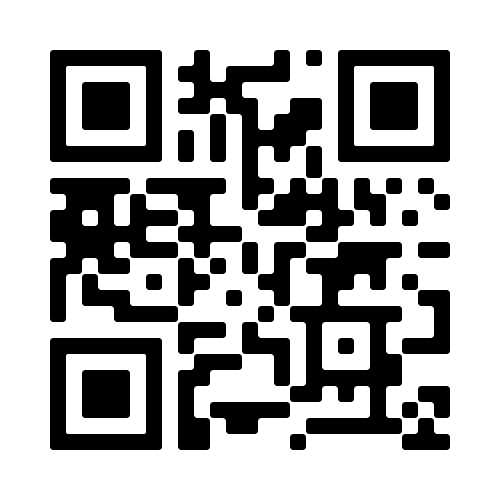
Downloading the app is easy! Discover all the benefits for yourself and download the app today.
Frequently asked questions
For whom is the mobile app available?
The Acerta mobile application is available to employees and approvers. Please note: your employer must run the Connect payroll tool and Employee Self Service (ESS) or Connect HR Office. If not, you will not be able to use the app. Not sure if your employer has any of these tools? Get in touch with your company’s HR department.
Which operating system version do I need to be able to download the Acerta Mobile App on my smartphone?
The Acerta Mobile App supports all versions from iOS15 and from Android 12 upwards. Older versions are not supported. Go to your device’s settings to check exactly which version you are running.
How do I download the Acerta Mobile App?
The Acerta Mobile App is easily downloaded via the Android and iOS app stores.
Can Acerta help me promote the Acerta Mobile App around my organisation?
Certainly we can! Speak to your dedicated Acerta contact for further details.
I am having problems logging into the Acerta Mobile App. Where can I go for help?
If you’re unable to sign in, check out our Frequently Asked Questions about logging into the Mobile App.
I have suggestions to improve the mobile app. Can I share them with Acerta?
Of course! All feedback is welcome and can be shared directly via the mobile app’s settings.